How I managed my Ninja’s attack rhythm using a simple formula.
In this script, I focused on creating a balanced combat loop. By using a timer and the animator’s speed parameter, I ensured the Ninja punches with both speed and discipline.
Key Logic: float attackDelay = (0.5f / myAttackSpeed) + 0.5f;
- Part 1:
(0.5f / myAttackSpeed)– Adjusts the actual punch duration based on the character’s speed stat. - Part 2:
+ 0.5f– A fixed “Recovery Time” that allows the Ninja to return to an Idle stance, making the action feel more deliberate and less like a repetitive machine.
This setup allows me to scale the intensity of the fight just by tweaking the myAttackSpeed value in the Inspector!
using UnityEngine;

public class PlayerController : MonoBehaviour
{
    private Animator anim;

    [Header("Combat Settings")]
    public float myAttackSpeed = 1.5f; // Multiplier for animation speed
    private float timer = 0f;

    void Start()
    {
        anim = GetComponent<Animator>();
    }

    void Update()
    {
        // Formula: (Base Clip Length / Speed) + Fixed Idle Time
        // This ensures a 0.5s rest period between attacks.
        float attackDelay = (0.5f / myAttackSpeed) + 0.5f;

        timer += Time.deltaTime;

        if (timer >= attackDelay)
        {
            ExecuteAttack();
            timer = 0f;
        }
    }

    void ExecuteAttack()
    {
        // Synchronize Animator speed with our variable
        anim.SetFloat("atkSpeed", myAttackSpeed);
        anim.SetTrigger("doPunch");
    }
}
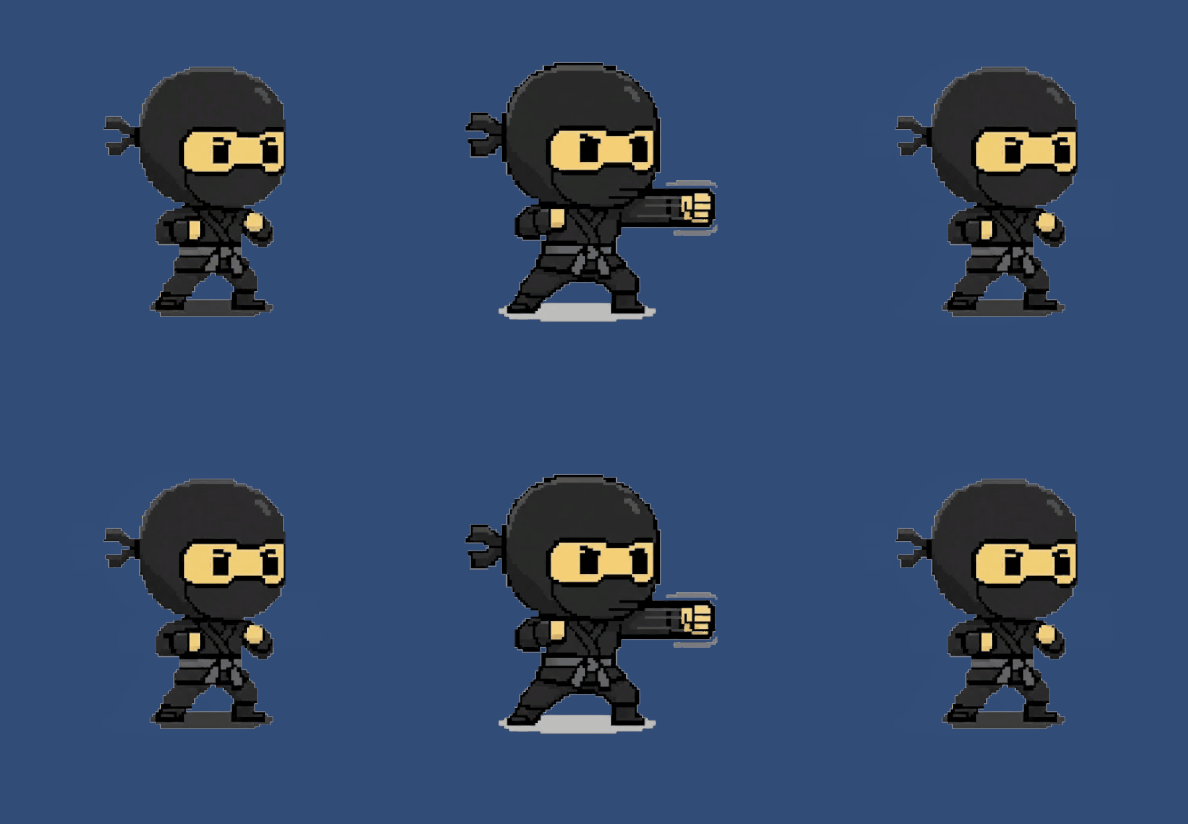
Now that the rhythm is set, the next challenge is to implement Collision Detection and Hit Stop to give these punches some real impact!