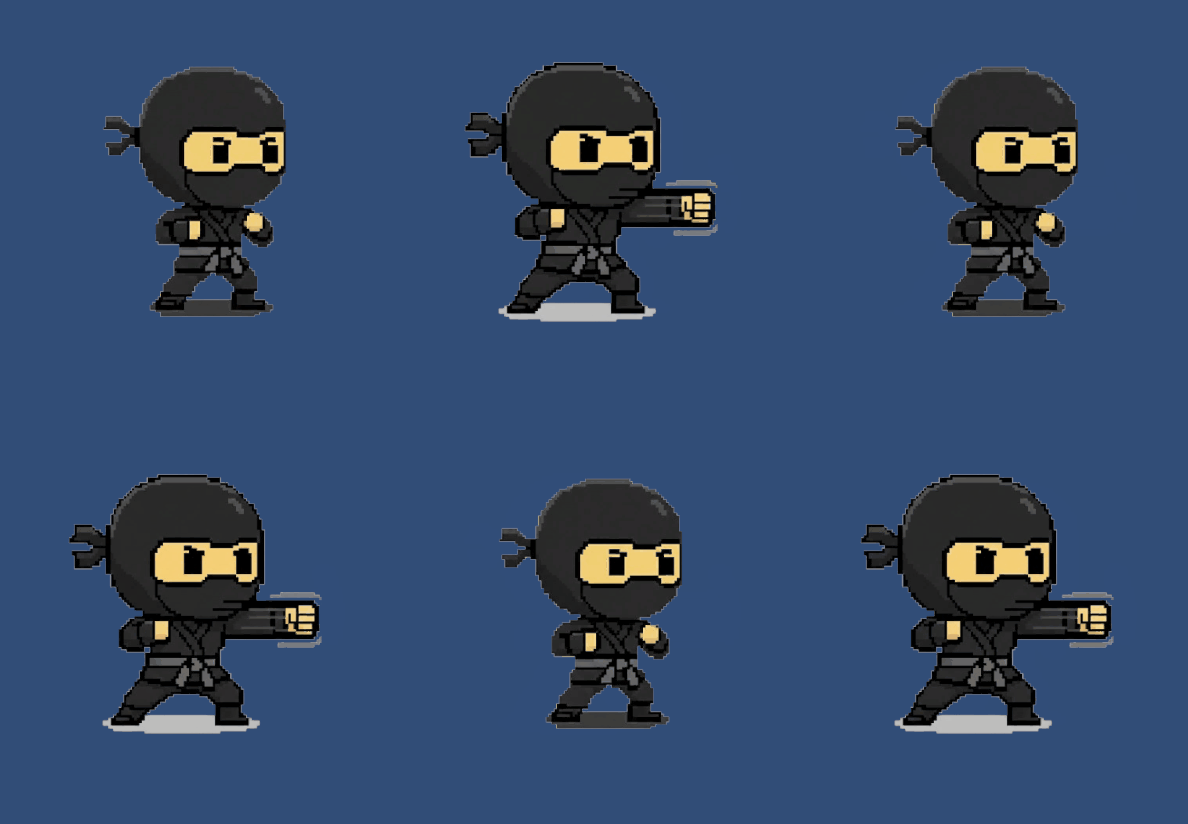
In any action game, the “feel” of a hit is defined by visual feedback. To make every strike feel sharp and responsive, I’ve been refining a layered Particle System in Unity, specifically utilizing the Stretched Billboard render mode.
Here is why this specific setting is the game-changer for a professional-grade punch effect.
1. The Kinetic Spark (Using Stretched Billboards)
Standard billboards always face the camera, which can make impact sparks look like floating dots. By switching to Stretched Billboard, I transformed those dots into sharp, directional shards.
- Length Scale: I adjusted this to stretch the particles based on their speed. This creates “lines of force” that point exactly where the energy is traveling.
- Speed Scale: By linking the stretch to the velocity, the particles appear longest at the moment of impact and shorten as they slow down, adding a natural sense of physics.
- Emission: A short, high-count Burst at $t=0$ creates an instant explosion of these sharp shards, making the hit feel “crunchy” rather than soft.
2. The Radial Shockwave (Pressure)
A punch doesn’t just hit a point; it displaces the air around it. I added a circular shockwave to give the impact a sense of scale.
- Size over Lifetime: Using a steep upward curve, the ring starts at zero and expands to its full size in about 0.1 seconds, then fades out immediately.
- Visual Impact: This creates a “pop” effect that tells the player exactly where the collision happened, providing clear spatial feedback.
3. The Motion Trail (Speed Tracking)
To help the player’s eye track a fast-moving punch, I utilized the Trails Module within the Particle System.
- Short Duration: The trails are set to a very short lifetime (under 0.15s). This prevents the screen from becoming cluttered while leaving a “ghosting” effect behind the knuckles.
- Color Gradient: The trail starts bright and tapers off into transparency, emphasizing the leading edge of the attack.
Performance Tip: Object Pooling
Since punch effects are triggered frequently, I avoid using Instantiate() and Destroy() during gameplay. Instead, I use an Object Pool to reuse pre-warmed particle objects, ensuring the game stays at a smooth 60 FPS even during intense sequences.
Summary
By layering Stretched Billboard Sparks, Radial Shockwaves, and Motion Trails, a simple punch becomes a satisfying gameplay event. The stretch effect, in particular, is what gives the combat its “bite” and professional polish.